Change the colors of your certificates 🎨
1679000155681
New
Improvement
LMS
New Feature
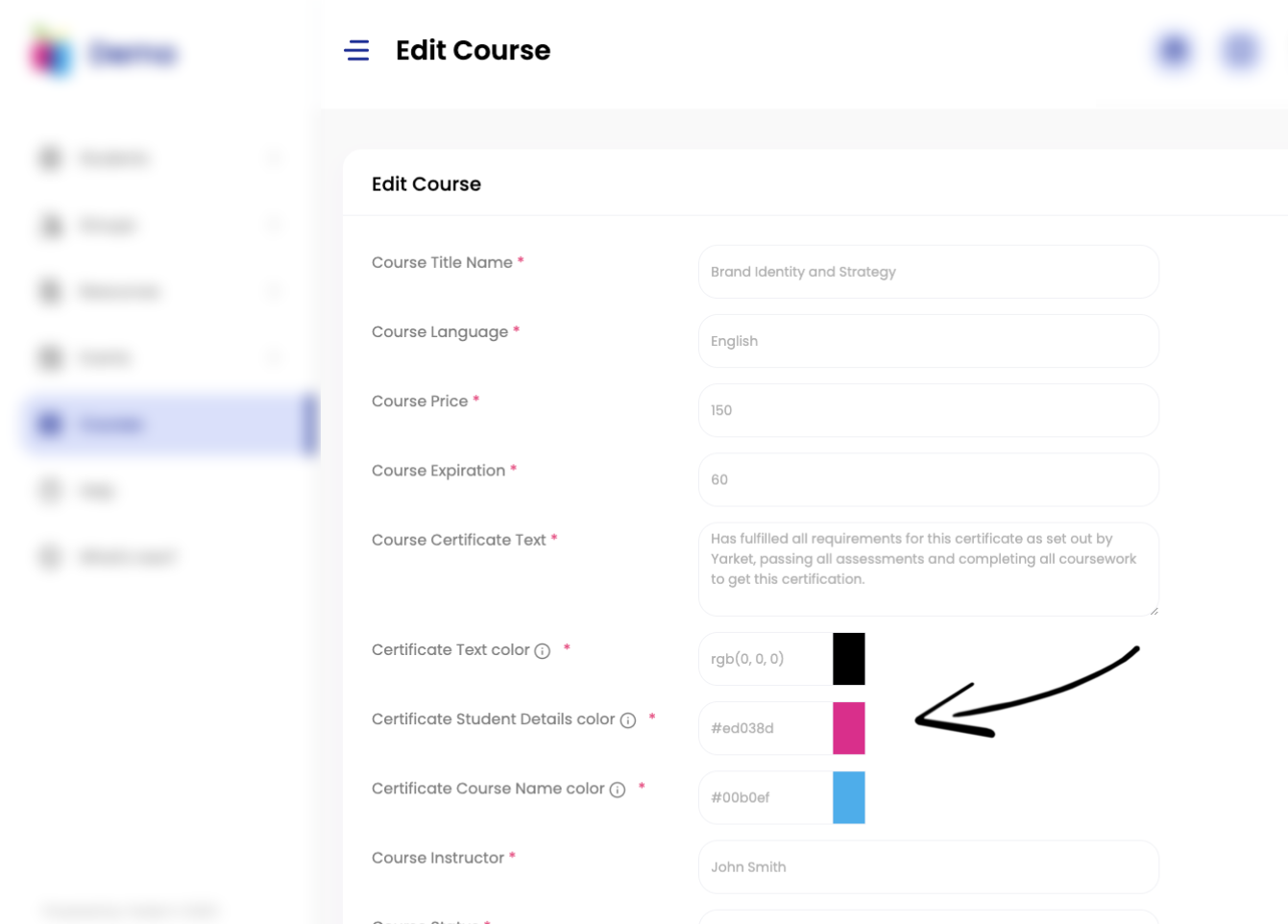
Now you can also change the text color and certificate details from the course page. Customize each certificate individually for each course, change not only the template, text and expiration, but also the color of the student's name, course title and more.
To customize each certificate, go to Courses > Edit Course and choose your certificate preferences.
The changes are instantly reflected in the new certificates: